
Shadow Fight 2 Old Versions: Download Previous APK Versions
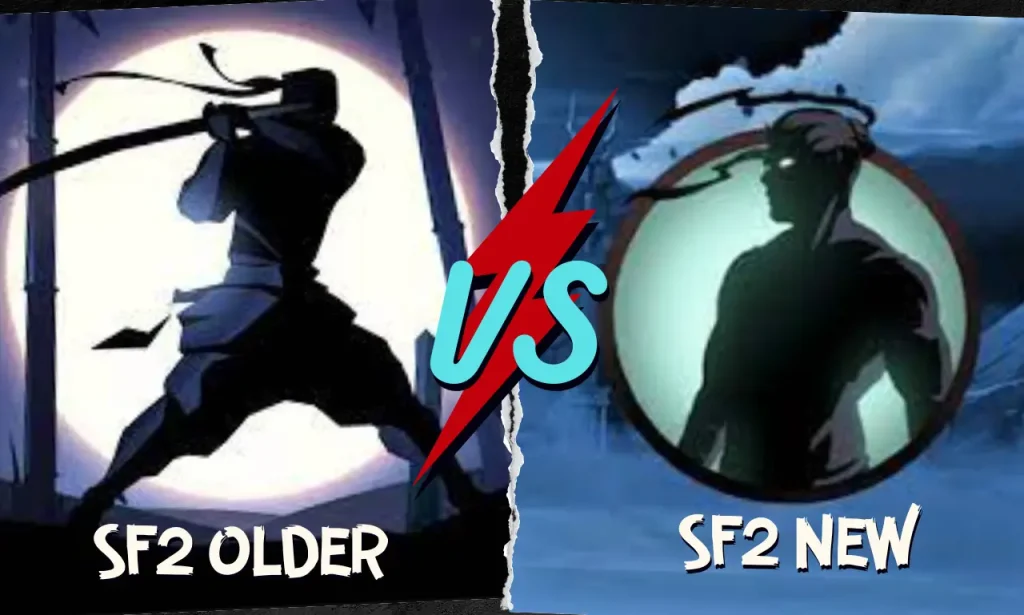
Shadow Fight 2 is one of the most popular action RPG fighting games on Android, known for its shadow-style combat, powerful weapons, and demon boss battles. Over the years, Nekki has released many updates, and some players now prefer old versions of Shadow Fight 2 for better device compatibility, classic gameplay, or features that changed in newer updates.
This page is your complete guide to Shadow Fight 2 old versions. You can download any version from the list below, and each link points to the exact file we host. We recommend scanning any APK yourself before installing it. Under each download link, you will find a verification note with the file hash and scan report.
Download Links for All Shadow Fight 2 Previous Versions
Note: Version availability can change over time. Always check the version number and file details before installing an older APK.
Why Choose an Older Version Of Shadow Fight 2?
There are several reasons someone may look for a previous version instead of immediately installing the newest release. The reason can vary depending on the player’s device, preferences, and previous experience with the game.
Memory Issues
Sometimes, with the new updates, the memory usage of any game can increase, so players who have low-storage mobiles go for the older versions.
Gameplay Changes
Sometimes many of the players like to play the game with the same gameplay. If they switch to a newer version, then it can be difficult to understand the new gameplay. If you’re curious how the newest entry compares, see our Shadow Fight 2 vs Shadow Fight 4 Arena breakdown.
Device Compatibility
Some older releases may work better with devices that have compatibility limitations with newer builds. Always check the Android requirement for the specific APK before installation.
Version History
Shadow Fight 2 has received multiple updates over the years, and older versions may differ in features, gameplay balance, interface, and device compatibility. Our old-version section makes it easier to find previous releases and compare them with the latest version before choosing which one to install.
Old Version vs New Version
| Area | Old Version | New Version |
| Familiarity | May provide an earlier gameplay experience | Includes the latest available changes |
| Compatibility | May work better with some older devices | May require a newer Android environment |
| Features | Contains features available in that release | May include newer additions and changes |
| Performance | Depends on the device and APK | Depends on the device and current release |
| Updates | Does not include later changes | Receives the latest available updates |
| Experience | Useful for comparing previous releases | Useful for playing the current release |
What’s New in the Latest Version
Shadow Fight 2 version 2.46.0 was released on July 7, 2026. The listed update notes include bug fixes and optimization improvements.
If you are looking for an older release, compare the version number and compatibility requirements before downloading. The features and technical requirements can vary between different APK versions and variants.
How To Download And Install Shadow Fight 2 Old Versions
Here’s the easy download guide below! And if you want to play on an Apple device? Check our guide to Shadow Fight 2 for iOS for compatibility and installation information.
How to Install an Older Version of Shadow Fight 2
After downloading the APK, follow these general Android installation steps:
Android settings can vary by device and operating system version, so the exact wording or location of the installation permission may be different.
Shadow Fight 2 Old Version Compatibility
Compatibility can vary between Shadow Fight 2 releases. Before installing an older APK, check the Android version required by that specific release, the APK architecture, available storage, and whether the file is an APK or APK bundle.
Older releases may support different Android versions from newer releases, so do not assume that the latest version’s requirements apply to every previous version.
How to Choose the Right Shadow Fight 2 Old Version
Choosing an older version of Shadow Fight 2 depends on your device, the features you want, and the version you previously played. If a newer release causes compatibility or performance issues on your device, an earlier version may be worth considering. Before selecting a release, check these details:
- Version number: Make sure you are downloading the release you intended to use.
- Android requirement: Check whether the APK supports your Android version.
- File size: Confirm that the downloaded file matches the information provided on the download page.
- Compatibility: Consider your device’s hardware and available storage.
- Security information: Review any available hash or scan information before installation.
- Game data: If you already have game progress, consider backing up important data before changing versions.
If you are unsure which release to use, start by checking the version information provided with each download rather than choosing a version only because it is older.
Is It Safe to Install an Older Shadow Fight 2 APK?
Older APK files should be treated carefully because they are installed outside the official app store. Before installing a file, verify that you downloaded the intended version, check the available file information, and scan the APK with a reputable security tool. Avoid installing modified or repackaged files from unknown sources.
Conclusion
In this guide, we covered everything you need to know about Shadow Fight 2 old versions, including download links for each release and what changed in the newer updates. If your device struggles with the latest update, or you simply prefer the classic gameplay, you can pick the version that suits you from the list above.
Before installing any APK, we recommend scanning it yourself and checking the file hash listed under each download link. If you have a question about a specific version, leave a comment, and we will help you out. If you are looking for the latest releases, you can explore our guide to the latest versions of Shadow Fight 2 and find information about different releases.